
Communication and VoIP: one telephony solution for the office, home working and on the move
You get a phone solution that suits your business and your IT: from the cloud, as your own phone system or in Microsoft Teams, reachable under one phone number and connected to the applications your team works with every day. You get set-up and support for your location in Berlin or Brandenburg.
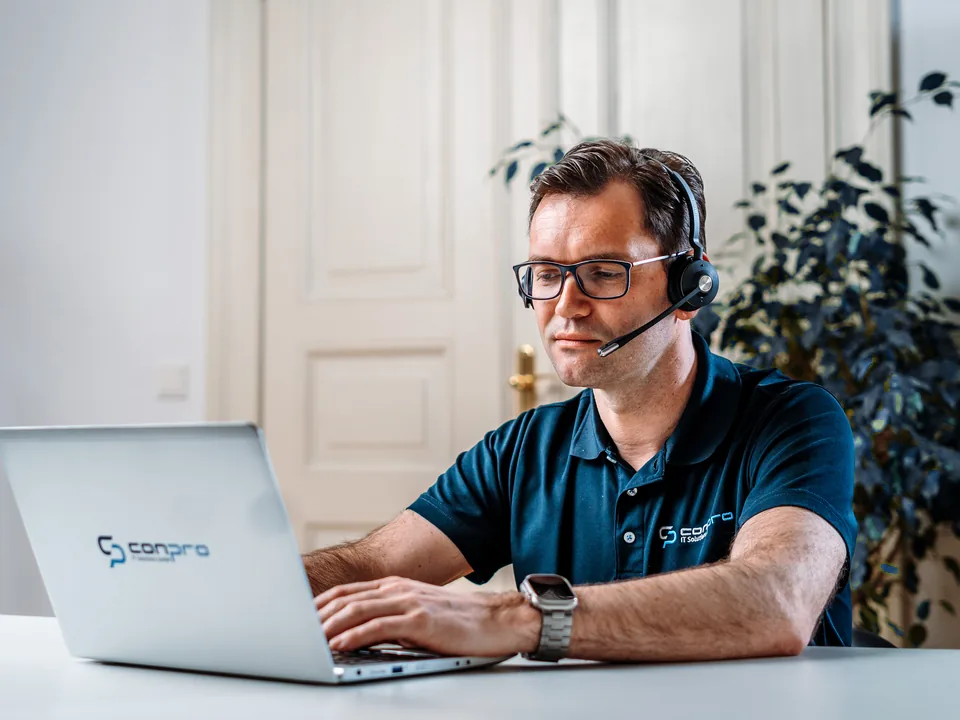
Telephony is now part of IT
ISDN has largely been switched off, and calls run over the internet connection. However, many phone systems still date from a time when everyone sat in the office. Today your team works in the office, at home and at customers' premises, and callers still expect to reach the right person.
This means telephony depends on the same foundations as the rest of your IT: network, internet connection, user accounts, security and the applications in which customer data is stored. That is why you get telephony and IT from a single provider, instead of responsibilities being passed back and forth between telephony provider, IT systems house and software vendor.
Your telephony in detail
- Cloud phone system The system runs at the provider's end, and on site you only need internet and devices. With Placetel or STARFACE Cloud.
- On-premises phone system You operate a STARFACE on your premises or on your infrastructure and keep data and configuration in your own hands.
- Microsoft Teams Phone You make calls with your usual phone number directly from Microsoft Teams.
- Migration, SIP trunk and phone numbers You switch from your old system, and your phone numbers move with you.
- Meeting and conference rooms You get meeting rooms in which meetings in Teams, Zoom or Webex start with one click.
Solutions for your communication
- Cloud phone system, e.g. Placetel The system runs in the provider's data centre, and on site you only need internet and devices. You set up new workstations quickly, and the costs depend on the number of users.
- On-premises or hosted phone system, e.g. STARFACE You operate the system as an appliance on your premises, as a virtual machine on your infrastructure or hosted. This way you keep control over data and configuration and can expand the system as your business grows.
- Microsoft Teams Phone Teams becomes your phone system: your team makes calls with its usual phone number directly from within Teams. The connection to the public telephone network is established via a telephony provider or a Session Border Controller (SBC).
- Cisco environments You get support for existing Cisco telephony, from support during ongoing operation to planning how the environment will develop.
- Devices, headsets, softphones and apps Desk phones, cordless phones, headsets and softphones on the PC as well as smartphone apps are selected, set up and managed consistently.
- Integration with CRM, ERP, Outlook and specialist applications Calls are linked to your customer data: you see who is calling and dial numbers directly from your application. More on this in the next section.
- Number porting and migration Your existing phone numbers move with you. You get a plan for switching from the old system or the old line, including the connection to the telephone network via a SIP trunk.
- Operation and support Changes to hunt groups, announcements and call forwarding, updates to the system and help with disruptions come from the same contact persons who also support the rest of your IT.
conpro IT is a STARFACE Certified Partner and Placetel partner: more on our partner page
Telephony that works with your software
Connecting telephony to other systems is a focus of our work. Using computer telephony integration (CTI) and the interfaces of the phone systems, we connect telephony with CRM and ERP systems, with Outlook and with industry-specific applications. Which integration is possible depends on the phone system and the software. We check this with you in advance.
- Caller identification For an incoming call, the name and company from your address book or CRM appear, and on request the matching record opens directly.
- Click-to-Dial You dial a number with one click from Outlook, the CRM or the specialist application, without typing it in.
- Workflows without manual transfers Calls, notes and callback requests end up where your team works anyway, and information is not lost between phone and software.
How the migration works
-
Analysis
We record your current telephony: lines, phone numbers, devices, hunt groups and contracts. We also clarify how your team works and which applications are to be connected.
-
Concept
You get a recommendation for the phone system, the connection to the telephone network and the devices, including the necessary adjustments to the network and internet connection.
-
Changeover
The new solution is prepared and tested before the phone numbers move. We agree the porting date with you so that your availability by phone is affected as little as possible.
-
Operation
After the changeover, we support the system and devices, implement changes and help with disruptions. Your team gets an introduction to the most important features.
Frequently asked questions about communication and VoIP
Can we keep our phone numbers?
As a rule, yes. When you change provider, phone numbers can be ported. Porting is ordered from the new provider and needs some lead time. We accompany the process and agree the date with you.
Microsoft Teams or our own phone system?
That depends on how your team works. If everyone already collaborates in Teams, Teams can also take over telephony. Your own phone system or a cloud phone system is the better choice if you want to use features such as call queues, hunt groups and integrations with specialist applications independently of Microsoft 365, or if many employees make calls without Teams. Many phone systems can also be connected to Teams. We show you the advantages and disadvantages for your situation.
Can we make calls with the company number when working from home and on the move?
Yes. With a softphone on your notebook or an app on your smartphone, you make calls with your direct dial number as if you were sitting in the office. Callers see your company number, and your private number stays private.
What happens if the internet connection fails?
Without an internet connection, the office cannot make calls via VoIP. Depending on the solution, calls can then be diverted automatically to mobile phones or another location. A second internet connection, for example via the mobile network, and an uninterruptible power supply for router and telephony increase resilience. We define together in the concept how much protection you need.
Can telephony be integrated into our software?
Many CRM and ERP systems, Outlook and numerous specialist applications can be connected, for example for caller identification and click-to-dial. Whether and how this works with your software depends on its interfaces and the chosen phone system. We clarify this before the decision so that you know what to expect.