
STARFACE on-premises phone system, under your control
You get a STARFACE phone system as an appliance on your premises or as a virtual machine on your own infrastructure. Data, configuration and updates remain in your hands. Planning, installation and support are handled by conpro IT as a STARFACE Certified Partner.
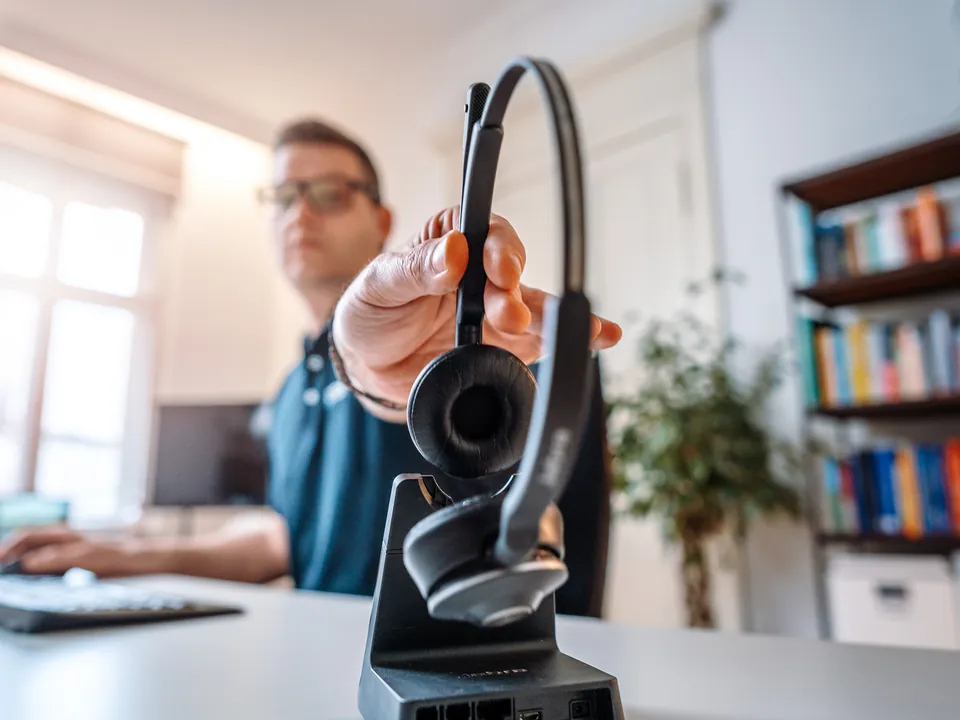
Telephony without dependence on a public cloud
Call lists, voice messages, address books and recordings reveal a great deal about your business, your customers and your processes. For operators of critical infrastructure (KRITIS) and for security-sensitive organisations, it is therefore important where this data is stored and who can access it.
With a system on your own premises, this data remains in your network. You decide for yourself when updates are installed, who is given access and how the system is separated from the rest of the network. We clarify with you whether and how telephony is included in your evidence under NIS-2. More on this under NIS-2 and KRITIS.
Three operating models, one system
- Appliance on your premises The STARFACE runs on a dedicated device in your server room. For this, STARFACE offers the Compact, Compact SIP and Advanced models for companies of different sizes.
- Virtual machine The STARFACE VM Edition runs on your existing virtualisation platform, for example alongside your other servers. We integrate backup and monitoring into your existing processes.
- Hosted in the cloud If you do not want to operate your own hardware, you get the STARFACE as the hosted version, STARFACE Cloud.
You can read more about the hosted STARFACE and about Placetel on the Cloud phone system page.
What you get with your STARFACE
- Planning from a single provider We work out the numbering plan, operating model, connection to the telephone network and devices together with you, to suit your network and server environment.
- Installation and set-up We install the system, set up users, hunt groups, call queues, voice menus and time-based routing, and test everything before the switchover.
- Apps for every workstation Desktop apps for Windows and macOS as well as apps for iOS and Android. Your team makes calls in the office, at home and on the move using the company number.
- Modules and interfaces Using modules and open interfaces, you adapt the system to your processes and connect it to CRM, ERP, Outlook or specialist applications.
- Connection to Microsoft Teams The Teams integration can be activated per user. This way, some teams make calls from within Microsoft Teams, others on the desk phone.
- Updates and support We install updates as planned, implement changes and help you with disruptions. We set up devices from Snom and Yealink consistently.
Planning for resilience
- A second route into the telephone network A second internet connection, for example via the mobile network, keeps your telephony available if the main line is disrupted.
- Power for the system and network VoIP phones, switches, routers and the phone system need power. An uninterruptible power supply bridges short outages.
- Diversion in an emergency If the office cannot be reached, calls can be diverted to mobile phones or another location. We back up the configuration of the system regularly.
The connection to the telephone network is made via a SIP trunk, for example from our partner Gamma. STARFACE has been part of the Gamma Group since 2025. More on this under Migration, SIP trunk and phone numbers.
Our technology partners for your phone system
You get the phone system and devices from manufacturers with whom we work closely as a partner.
STARFACE
Partner level Certified Partner
The phone system for your premises or your own infrastructure. You extend it with modules and connect it to Microsoft Teams and your software.
Snom
Partner level Registered
IP desk phones, DECT systems and conference phones that work with STARFACE. Snom develops its devices in Berlin.
Yealink
Partner level Partner Reseller
IP phones, DECT phones and headsets that work with common phone systems and with Microsoft Teams.
Jabra
Partner level Authorized Reseller
Headsets and speakerphones for the office and for working from home, certified for Microsoft Teams and other platforms.
More solutions for your telephony
- Cloud phone system The system runs at the provider's end, and on site you only need internet and devices.
- Microsoft Teams Phone You make calls with your usual phone number directly from Microsoft Teams.
- Migration, SIP trunk and phone numbers You switch from your old system, and your phone numbers move with you.
- Meeting and conference rooms You get meeting rooms in which meetings start with one click.
Your phone system, secure in your own network
In the initial consultation, we clarify which operating model suits your security requirements, how the system is integrated into your network and how you safeguard against outages.
Frequently asked questions about the on-premises phone system
Appliance or virtual machine?
If you already have a well-maintained virtualisation platform, the VM Edition is often the obvious choice. An appliance is a good option if telephony is to run separately from the rest of your server environment or if there is no virtualisation host.
Is an on-premises system more secure than the cloud?
Not automatically. You retain control over data and access, but you are also responsible for updates, network segmentation and backup. On request, we take on these tasks for you, so that the system stays up to date over the long term.
What happens if the internet connection fails?
Calls within the building between internal phones are usually still possible, but external calls via VoIP are not. With a second internet connection and diversion to mobile phones, you remain reachable for callers.
Can we continue to use our existing phones?
That depends on the model. Many IP phones can be operated with the STARFACE. We connect analogue devices such as fax machines or door intercoms via suitable adapters, where this makes technical sense.
Can the STARFACE be connected to Microsoft Teams?
Yes, via the STARFACE Teams integration, which can be activated per user. You can read about the other options under Microsoft Teams Phone.