
Integration and interfaces: your programs work together
You connect programs that have so far run side by side, instead of replacing them, so that data is not entered twice or transferred by hand. You get the review and implementation from our own team.
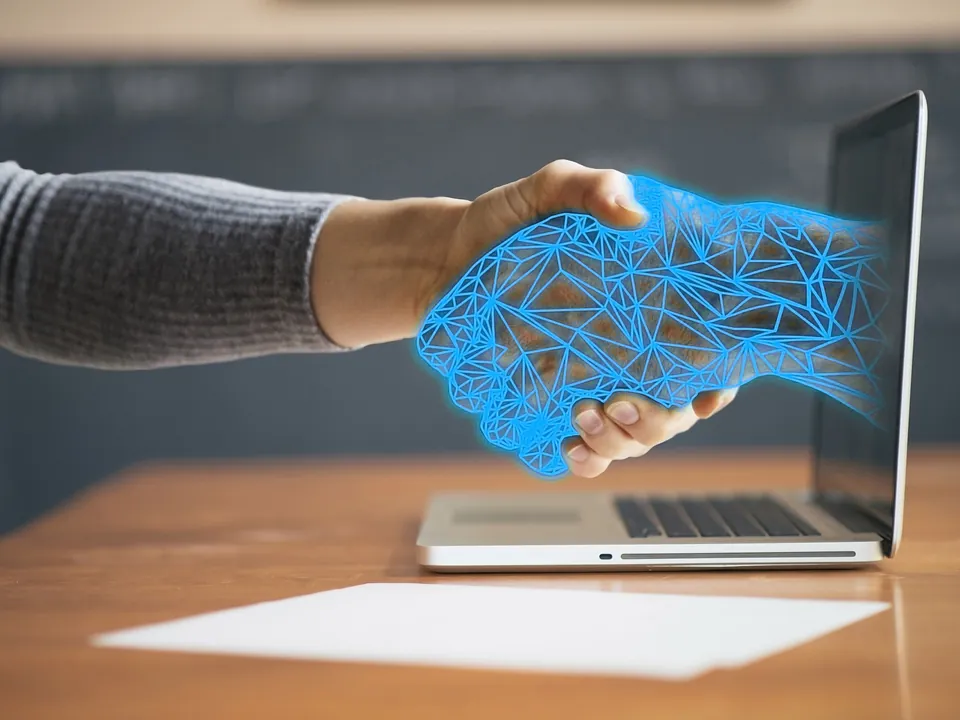
When programs work side by side
In many companies, programs that actually belong together run separately from one another. Working hours, orders or customer data are entered twice, transferred by hand or reconciled via export and import. This takes time, leads to errors, and in the end two systems show different data.
Often no program has to be replaced for this. Via suitable interfaces, your existing applications exchange data automatically, and your employees continue to work with the programs they know.
What you get
- Review before the project We check which interfaces your programs provide and what their licences permit, before any effort is incurred.
- Connect instead of replace Your existing systems are connected with one another. Proven programs and familiar processes are retained.
- Interfaces to specialist applications Industry-specific and specialist software is connected to your other programs, for example to Microsoft 365 or your accounting.
- Automatic data synchronisation Data is synchronised automatically between your programs so that all systems show the same status.
- Third-party applications New software from other manufacturers is integrated into your IT environment instead of running alongside it as an island.
- Implementation by our team We implement the integration ourselves, without any other service providers in between. You have one contact person from the review through to operation.
Examples from our projects
We have implemented these connections in customer projects:
- Time recording and payroll Recorded working hours reach payroll without being entered again. Transfer errors are eliminated, and the month-end closing is faster.
- Specialist application and Microsoft 365 Contacts, appointments or documents are exchanged between your specialist application and Outlook, Teams or SharePoint, for example for uniform file storage.
- Merchandise management and online shop Items, stock levels and orders are synchronised between the merchandise management system and the online shop, so that both show the same status.
- Telephony and CRM When a call comes in, you see immediately who is calling, and you dial numbers directly from your customer database.
- Order billing and accounting Completed orders are sent to your accounting as invoice data instead of being entered there a second time.
- User management and applications New employees receive their access via central user management, and when they leave, their access is blocked in one place.
We describe the connection between telephony and customer data in detail under Communication and VoIP.
When a direct interface is not possible
Not every program can be connected directly. Older applications often do not offer an interface, or the licence does not allow access by other programs. We clarify this before the project, so that you do not invest in a solution that later turns out not to be feasible.
If a direct connection is not possible, we show you other ways, such as a controlled data exchange via files. You find out which prerequisites are needed and what effort you should expect.
How an integration project works
-
Discussion
You describe which programs should work together and where work is currently duplicated.
-
Review
We review the interfaces and licences of the programs involved.
-
Concept
You get a proposal for how the data should flow, which prerequisites are needed and what effort you can expect.
-
Implementation and support
We set up the connection, test it with your data and, on request, support it in ongoing operation.
Further consulting services
- IT strategy and roadmap You get a plan for the next one to three years with priorities and a budget framework.
- IT infrastructure analysis You get a complete picture of your IT with identified weak points and a report with recommendations.
- Cloud or on-premises You find out which applications suit the cloud and which are better kept on your own servers.
Frequently asked questions about integration and interfaces
Can older programs also be connected?
That depends on which interfaces a program provides and what its licence allows. We check this in advance. If a direct connection is not possible, we show you other ways, such as a controlled data exchange via files.
Do we have to replace programs for this?
As a rule, no. The aim is to connect your existing programs with one another. Only if an application does not allow a connection and no other way is suitable do we discuss alternatives with you.
Who implements the integration?
Our own team, without any other service providers in between. This keeps responsibility with a single provider, from the review through to operation.
How is billing handled?
The effort depends on the programs involved and the type of connection. After the review, you receive an individual quote.